> ## Documentation Index
> Fetch the complete documentation index at: https://docs.preprod.world/llms.txt
> Use this file to discover all available pages before exploring further.
# View the authorization history of your account
The hosting portal logs all access events for the account, including logins, logouts, and session resets.
To view the authorization history:
1. In the left sidebar, navigate to **Statistics**.
2. Click **Access log**.
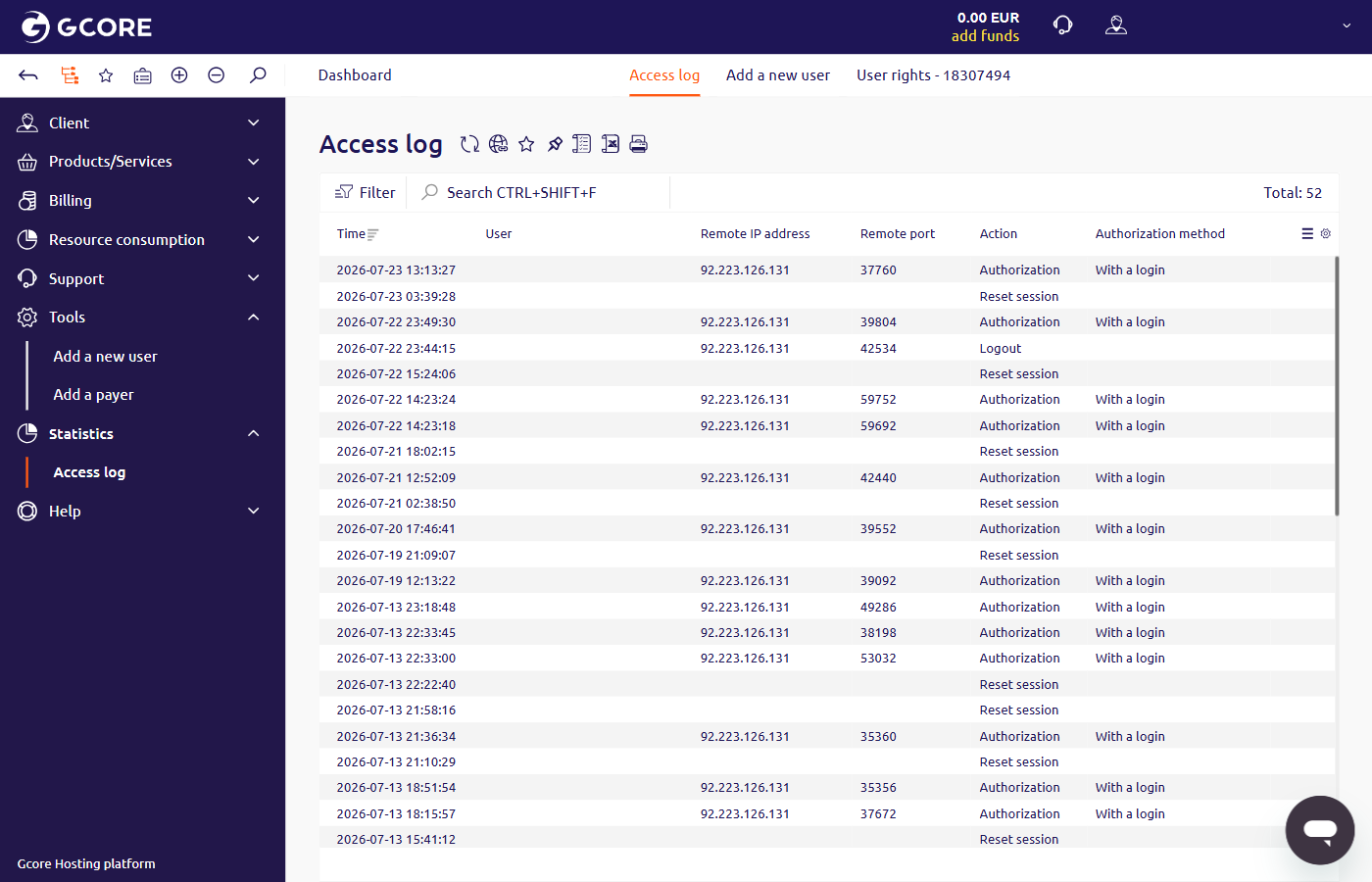 The following data is displayed for each event:
* **Time** — date and time of the event
* **User** — email address and account ID of the user
* **Remote IP address** — IP address of the device used to access the account
* **Remote port** — port used for the connection
* **Action** — event type: Authorization, Logout, or Reset session
* **Authorization method** — login method used for the event; "With a login" appears for standard logins
The following data is displayed for each event:
* **Time** — date and time of the event
* **User** — email address and account ID of the user
* **Remote IP address** — IP address of the device used to access the account
* **Remote port** — port used for the connection
* **Action** — event type: Authorization, Logout, or Reset session
* **Authorization method** — login method used for the event; "With a login" appears for standard logins