

Token rotation flow
- The player loads with a signed URL containing a short-lived token.
- A timer fires a few seconds before expiry.
- The player calls the backend and receives a fresh
{ token, expires, url }response. - The new
{token}/{expires}path segments replace the old ones in every outgoing request. - Playback continues without visible interruption.
Token modes
Auto-refresh works with two secure token modes:Choosing a token lifetime
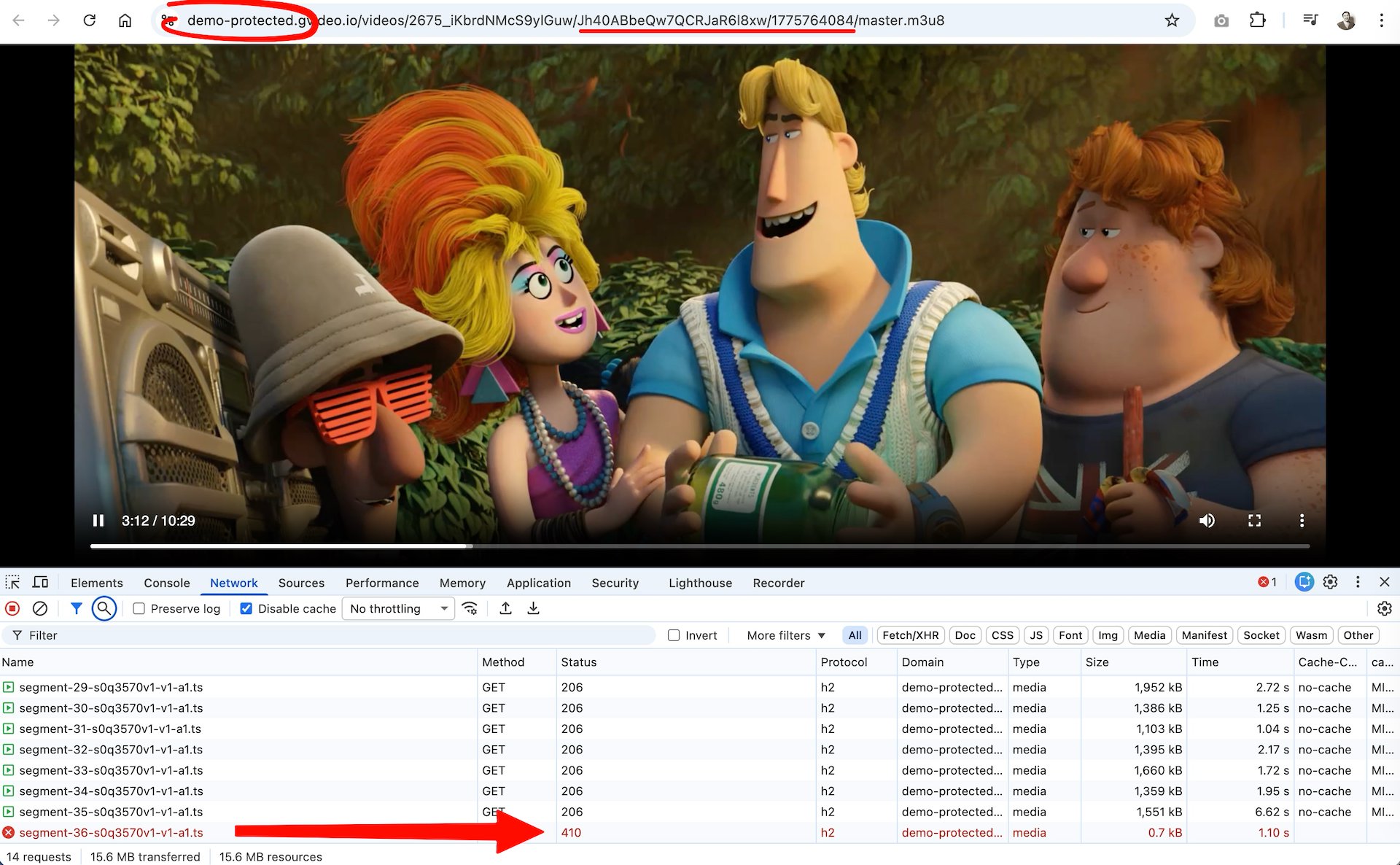
Shorter tokens reduce the time a copied URL stays usable; longer tokens give the player more time to complete a refresh on slow connections. On a poor mobile connection, the player may need several seconds to fetch a fresh token and download the next media segment before the old token expires. If both operations do not complete in time, the CDN rejects the segment request with 403/410 and playback stalls.
Set
refreshLeadSeconds to a value less than the token TTL. A lead of 10 seconds works for short-lived tokens (under 60 s); use 30–60 seconds for longer TTLs.
Auto-refresh architecture
Token refresh happens on the client side — the CDN validates tokens but cannot issue new ones. Two components work together:- A backend endpoint that generates fresh signed URLs on demand. The server holds the CDN secret key and must verify that the user is authorized before signing.
- Player-side refresh logic that calls the backend shortly before expiry and updates every outgoing URL without reloading the stream.