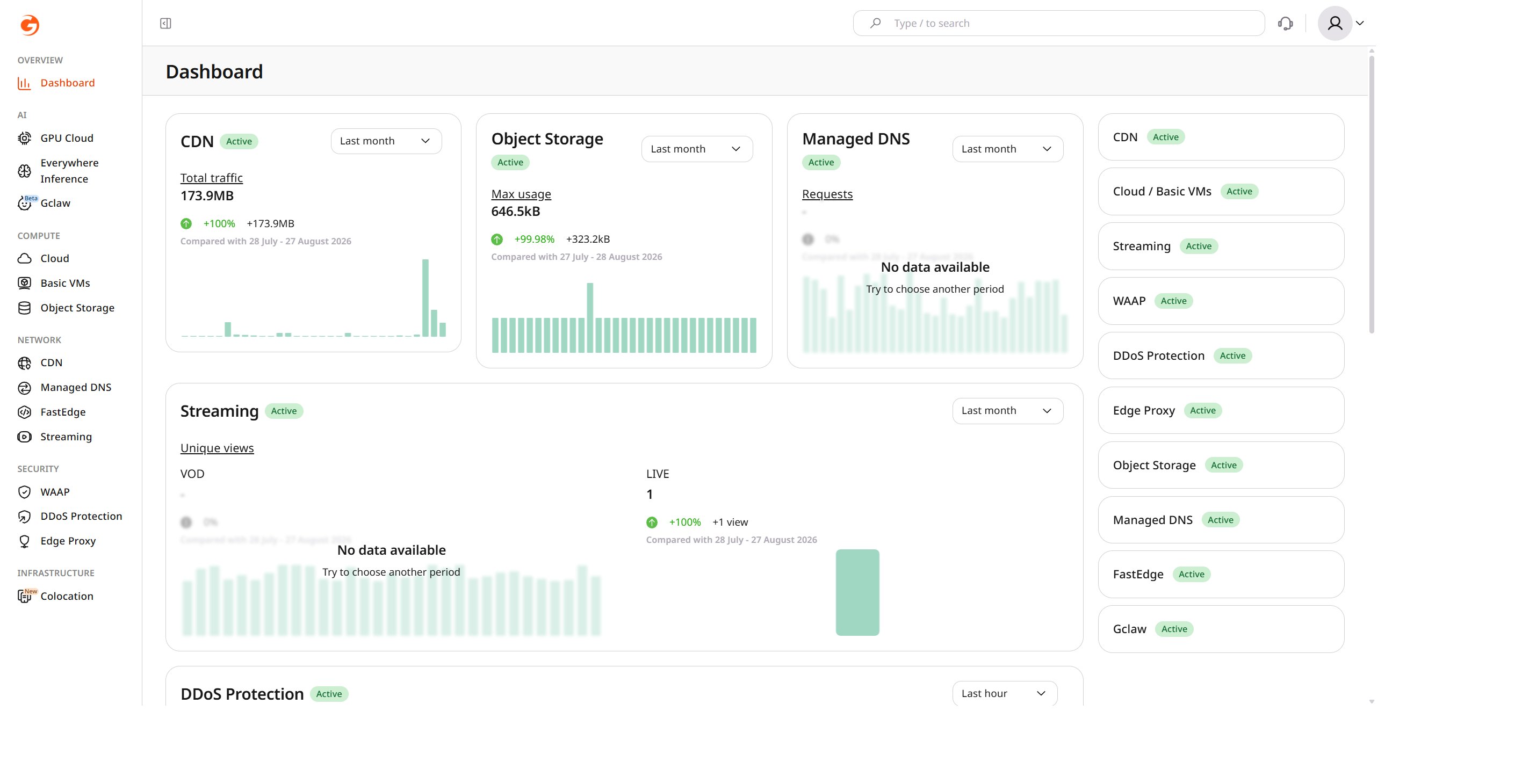
The Gcore Customer Portal dashboard shows the status of every Gcore service on the account. Each service appears as its own block with a status badge — Active while the service is running.
The Customer Portal has no page for changing a service status. There is no Disable service or Resume service control in the dashboard, in the service sections, or in the account settings.Before requesting that a service be disabled, note that its data is deleted after the applicable suspension period.To disable a service or resume a stopped one, contact Gcore Support.