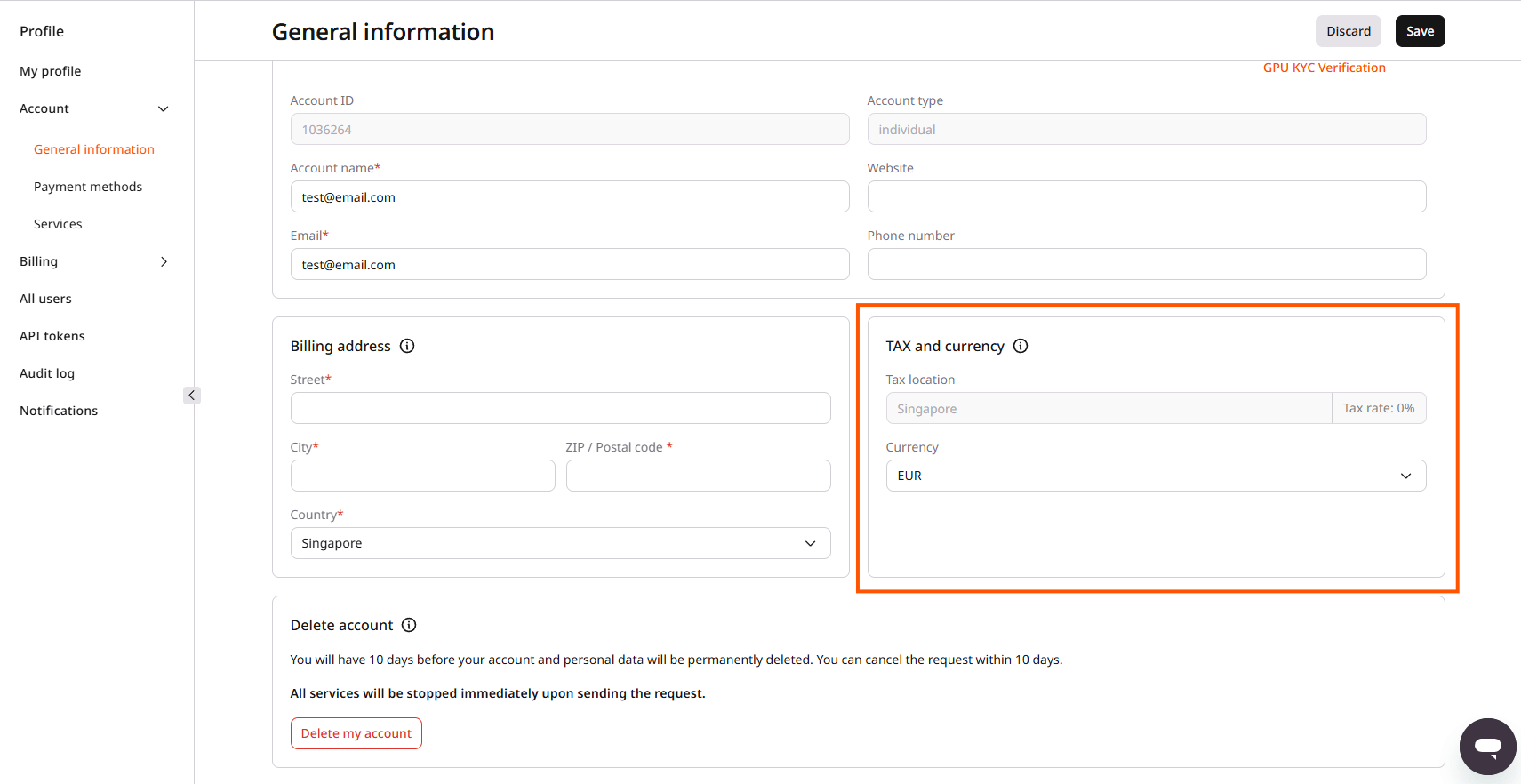
The tax location is calculated from the billing address entered on the General information page. For an individual account, other account details required for EU tax compliance, including the IP address and payment method, are also factored in, because tax laws in some countries require verification beyond a self-reported address. For an organization account, the tax location is based on the billing address, and the resulting VAT rate depends on whether a valid EU VAT number was provided. Standard VAT rates by country and account type are covered in VAT rates.
The billing address is updated directly on the General information page: edit the street address, city, postal code, or country fields, then click Save. Updating the country field recalculates the tax location and VAT rate accordingly.If the billing address is correct but the calculated tax location doesn’t match expectations, contact support through chat or by emailing support@gcore.com.
An organization with a registered EU VAT number can remove VAT charges from invoices by providing that number. To add or update a VAT number, contact support through chat or by emailing support@gcore.com.
A tax rate change during a billing month triggers recalculation of that month’s expenses, which can cause old overcommit expenses to appear as Deleted in the Customer Portal and the API.