

1
Open the dedicated servers list
Log in to the Gcore Hosting Portal and navigate to Products/Services > Dedicated servers.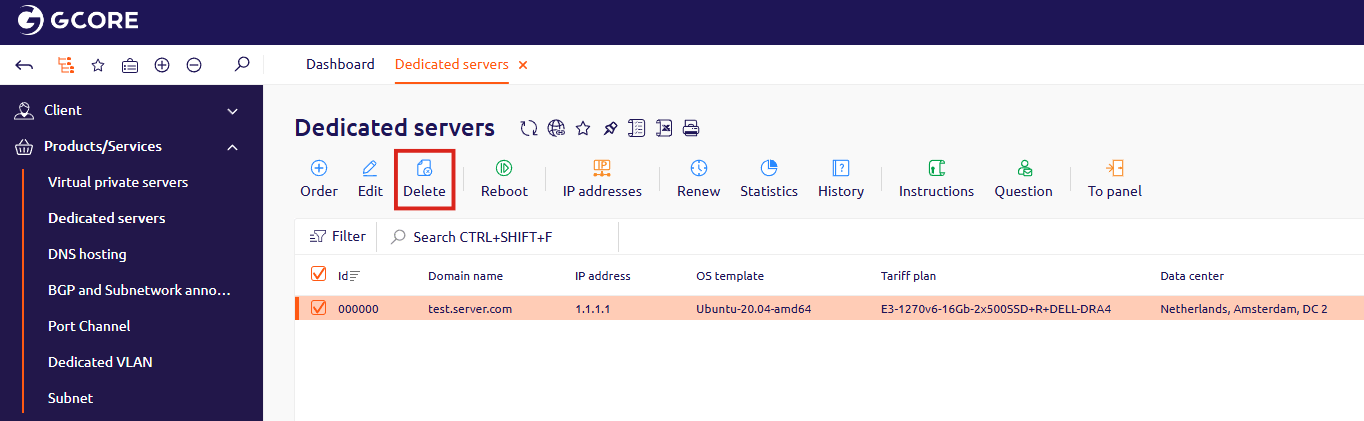
2
Confirm the deletion
Select the server to delete and click Delete. In the confirmation dialog, click OK.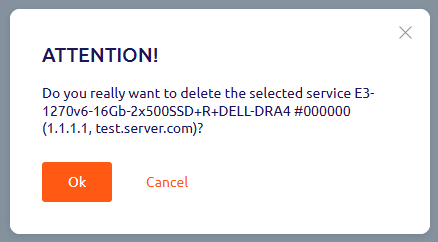
Open the dedicated servers list
Confirm the deletion