Select a data center and server configuration, set the order parameters, and complete payment. The server is typically ready within 15 minutes to 3 hours after payment.
Tariff selection
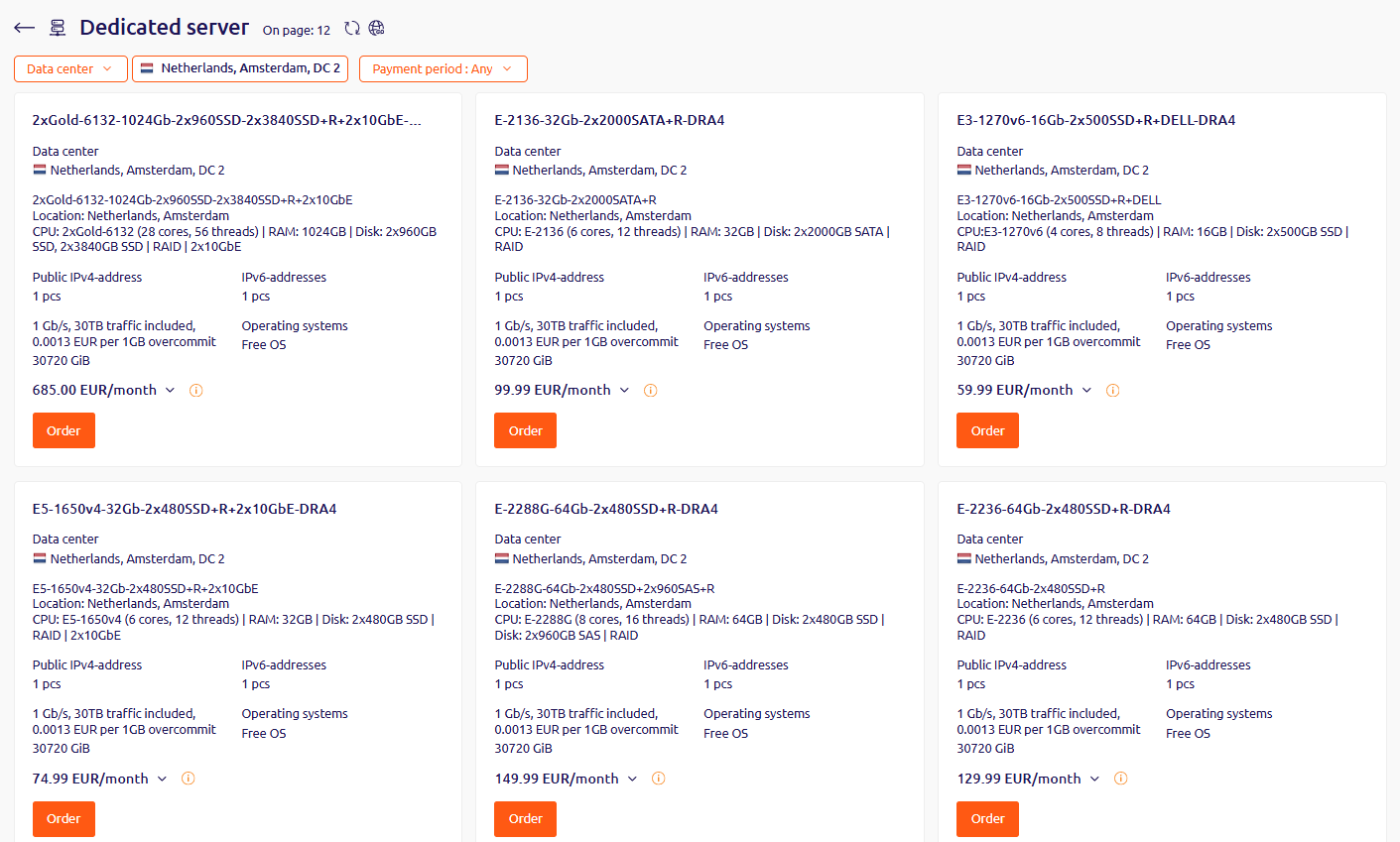
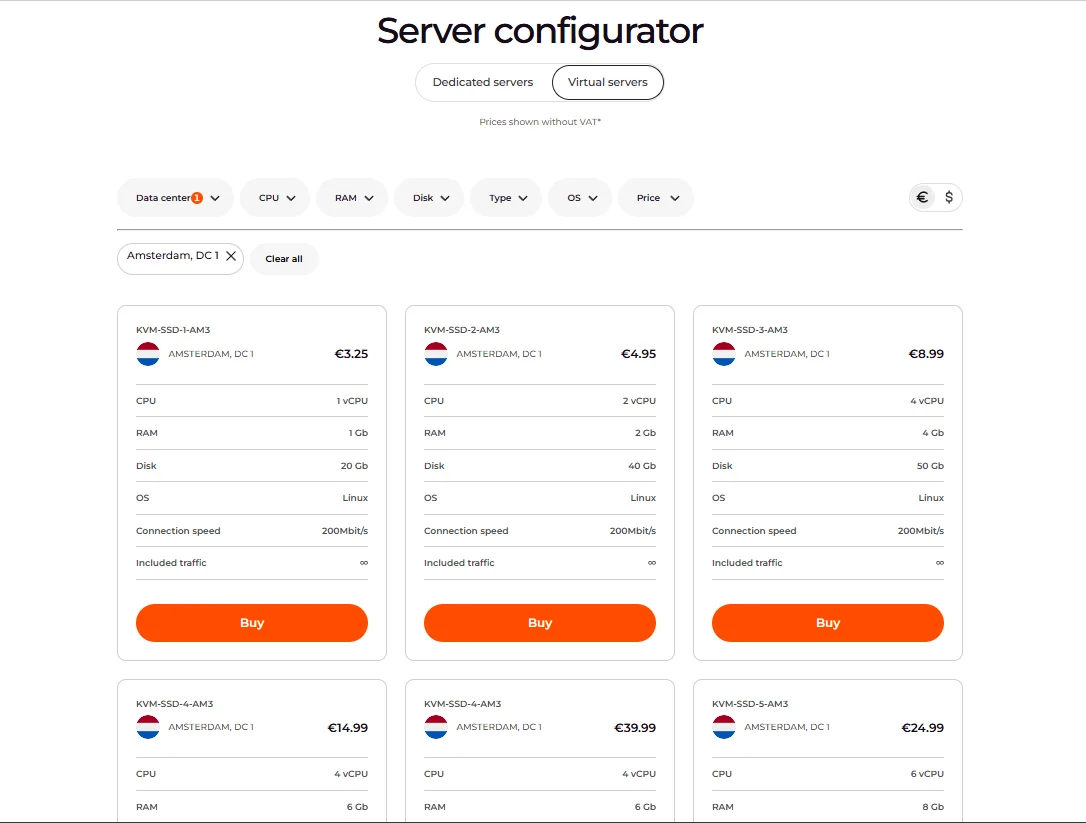
Tariffs are available in two places: the Gcore Hosting Portal and the Gcore dedicated servers catalog. Both provide the same list of servers.
In the Hosting Portal, use the Data center filter to select a location. In the catalog, use the configurator to filter servers by technical characteristics.
Select the preferred data center and tariff, then click Order (Hosting Portal) or Buy (catalog).
If none of the available tariffs fit the required configuration, contact support with the number of servers needed and the desired configuration.
To order servers in multiple data centers, create a separate order for each data center.
Order parameters
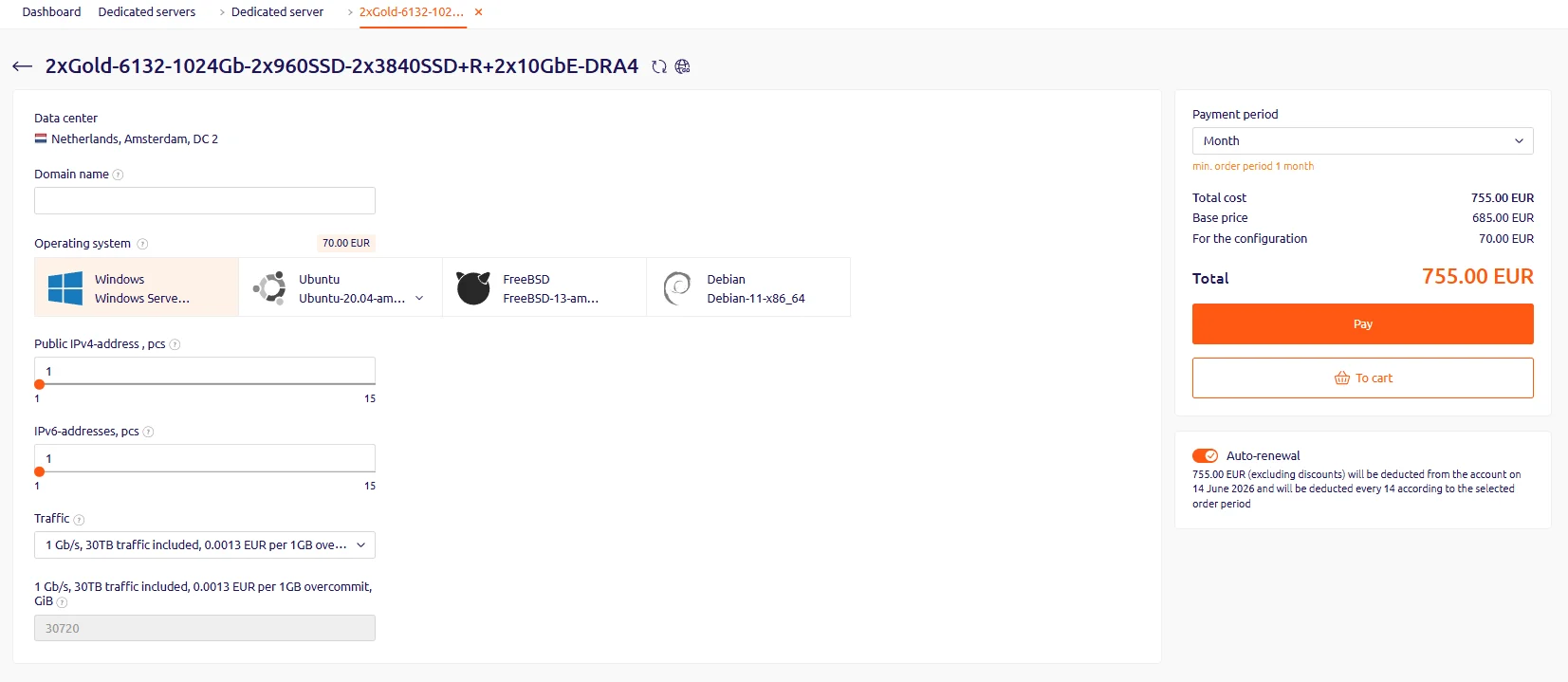
The service order page provides the following configuration options:
KVM-SSD-1 servers support only three additional IPs of each type.
Payment
Click Add to cart to proceed to the cart, then click Pay. Select a payment method from the available options and complete the payment. The purchased server will appear in the Products/Services section.
Activation
After payment, the server enters activation mode and becomes available within 15 minutes to 3 hours.
Custom server configurations
If none of the available configurations meet the requirements, contact support to discuss a custom server configuration.