

Streaming latency
Streaming latency is the time between a frame being captured and that frame being displayed on the viewer’s screen. Three pipeline stages each contribute to it:- Encoding (or packaging). The streaming service converts the stream to the delivery format and splits it into fragments.
- Transferring. CDN servers pull the processed stream, cache it, and send it to viewers.
- Receipt by players. End-user players load the fragments and buffer them before playback.
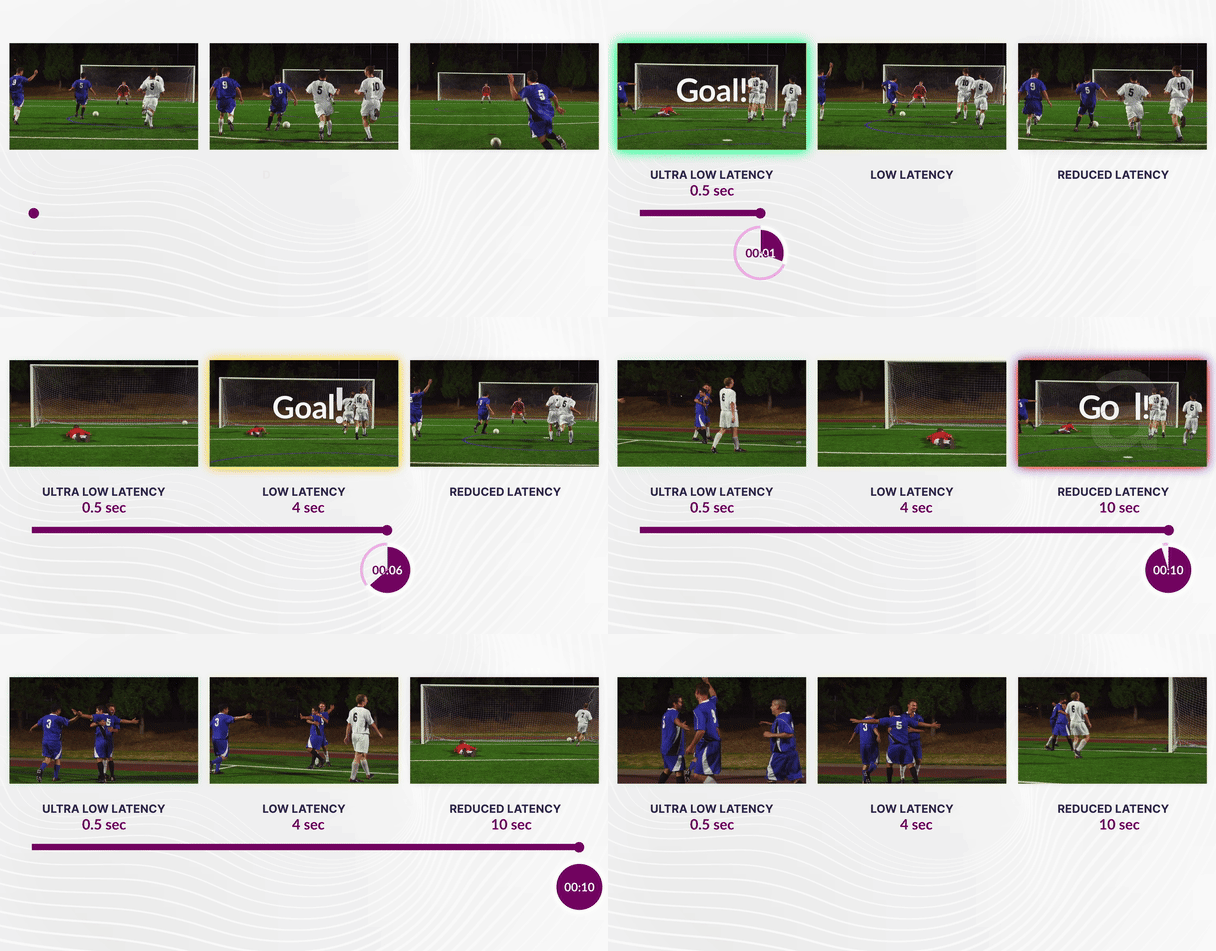
Gcore low-latency approach
Gcore Video Streaming receives live streams over RTMP or SRT, transcodes to ABR (adaptive bitrate), and delivers via CDN in LL-HLS and LL-DASH. Both protocols use CMAF (Common Media Application Format) with a standardized fragmented MP4 (fMP4) container. LL-HLS uses partial segments and blocking playlist reloads to reduce download latency; LL-DASH progressively delivers partially completed media files as new portions arrive from origin. CMAF allows both formats to share the same encoded media — reducing storage and encoding overhead while enabling chunked delivery that can begin before the full segment is ready. Encoder and player configuration for stable end-to-end latency is covered in Configure low-latency playback.Protocol latency comparison
Traditional HLS MPEG-TS without low-latency optimizations produces 20–30 seconds of latency.
Gcore’s implementation: Unified Pipeline and Chunked-Proxy
To realize this low-latency potential at scale, Gcore employs two key optimizations. A technical deep dive is available on the Gcore blog.1. Transcoding: Unified Pipeline Engine
Gcore processes LL-HLS and LL-DASH in the same low-latency transcoding and packaging pipeline. Both outputs therefore use aligned keyframes and segment boundaries, eliminating drift between the two formats. The enforced parameters are:- GOP: 1 or 2 seconds (ensures rapid seek and playback start).
- Segment size: 2 seconds.
- Part size: 0.5 or 1 second (allows players to download content in small increments).
- Minimal buffer: 1.5 seconds.
2. CDN delivery: Chunked-Proxy
Standard CDNs wait for a file to be fully downloaded before sending it to the viewer (“store and forward”). Gcore uses a proprietary Chunked-Proxy module that streams data immediately:- Immediate distribution: The CDN edge begins sending bytes to the viewer while still receiving them from the origin.
- Protocol optimization: Uses chunked transfer encoding for HTTP/1.1 and native framing for HTTP/2 and HTTP/3.
- Smart caching: Handles the high volume of requests for partial segments and blocking playlist reloads efficiently.
Access playback URLs
Low-latency streaming is enabled by default across all service tiers, including the trial period and free tier. Gcore produces three playback outputs simultaneously — LL-DASH, LL-HLS, and legacy HLS MPEG-TS — from the same stream. No separate streams or plan upgrades are required.Customer Portal
In the Customer Portal, open a live stream and copy one of these links from Links for the export:
API
Retrieve stream URLs via the Get live stream endpoint:
LL-HLS and LL-DASH links contain the
/cmaf/ path. Legacy HLS links contain the /mpegts/ path and are used when compatibility is more important than latency. The API reference covers all stream retrieval endpoints.
Demo player with a low-latency live stream enabled: