

An API token is required. DVR must be enabled on the stream (
dvr_enabled: true). Clips are cut from the DVR buffer — the stream must be live and actively receiving an ingest signal.Enable DVR
dvr_duration sets the DVR buffer size in seconds (30–14400). The clip duration cannot exceed this window. Enable DVR by updating the stream:
- curl
dvr_enabled: true and dvr_duration: 3600.Create a clip
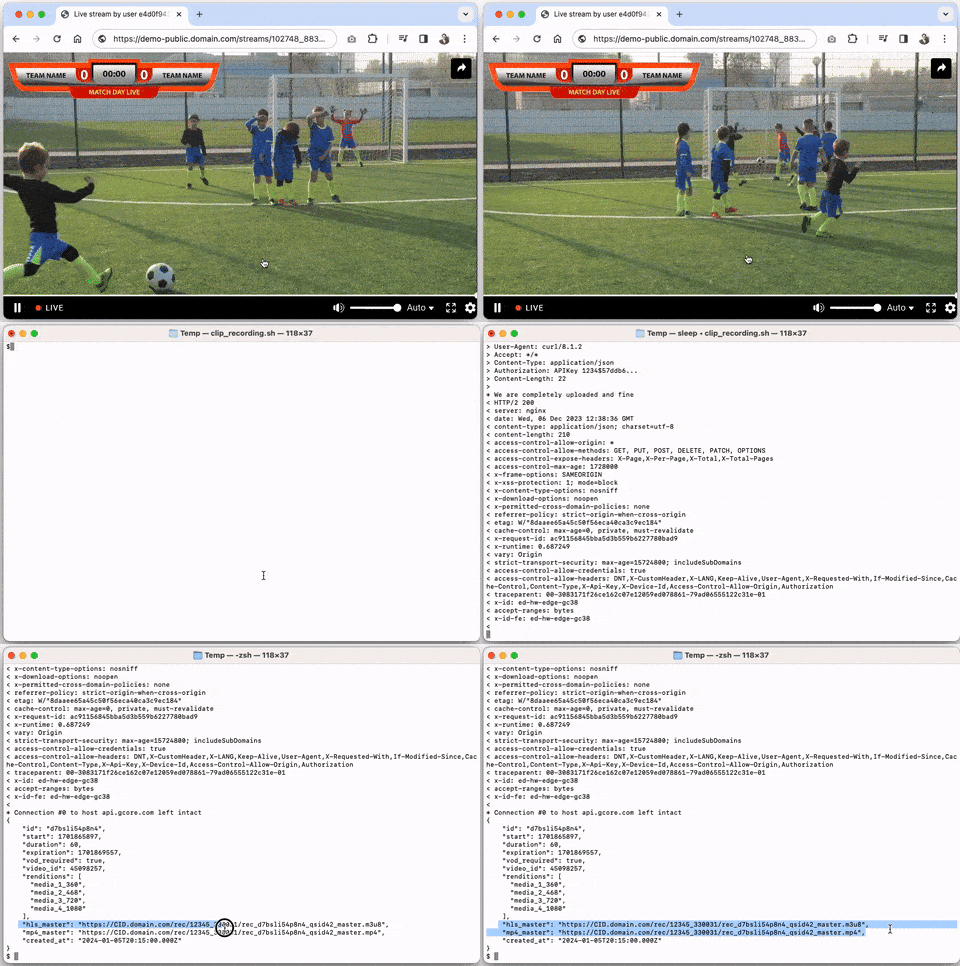
Cut a segment from an ongoing live stream. Specifyduration in seconds and optionally start as a Unix timestamp. The clip becomes accessible at start + duration — requesting it before that returns 425 Too Early. An expired clip returns 404.
- Python SDK
- Go SDK
- curl
Create a clip from an earlier segment
To cut a segment from the past, passstart as a Unix timestamp:
- Python SDK
- Go SDK
- curl
vod_required: true. When the clip is created, the response includes a video_id. Use GET /streaming/videos/{video_id} to retrieve the permanent HLS/MP4 URLs once transcoding completes.
List clips
Retrieve all non-expired clips for a stream.- Python SDK
- Go SDK
- curl