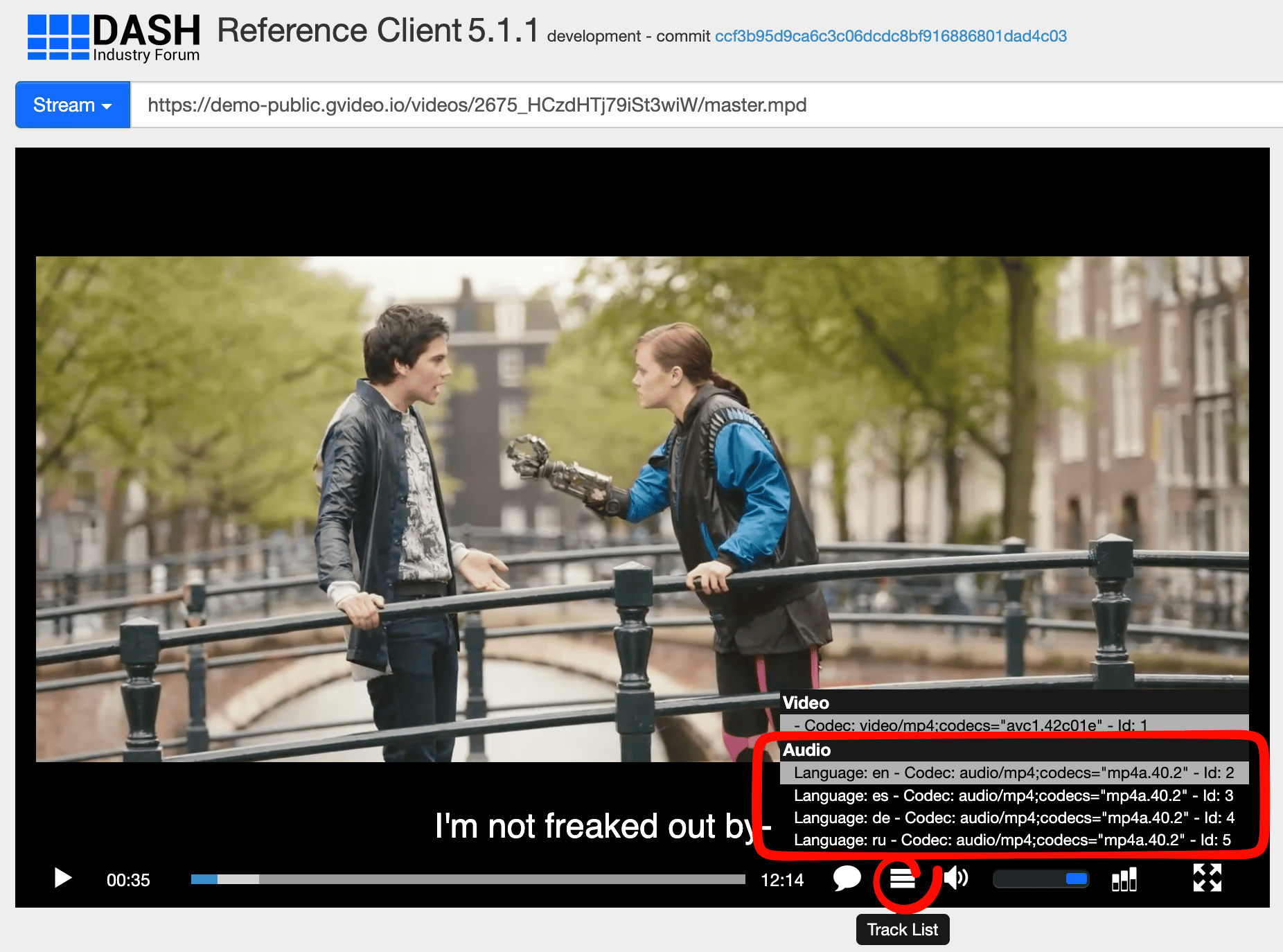
Source video
- Embed all audio tracks in the uploaded MP4.
- Assign the correct language metadata to each track.
- Use a supported audio codec. Codec rules are in VOD source files.
Built-in player
Multi-audio tracks are available in the Gcore built-in player and in compatible HLS and DASH players. Language selection depends on the player and the device. The demo below uses Tears of Steel HD with English original audio and Spanish, German, and Russian AI-dubbed tracks. Use the audio menu in the player to switch between them.HLS and DASH playback
A player other than the built-in player reads the same tracks from the HLS or DASH manifest.HLS manifest
In HLS, each audio track is an#EXT-X-MEDIA entry:
DEFAULT=YES marks the track played at startup. AUTOSELECT=YES lets a compatible player select a track from the device language settings. In this manifest, the original track is DEFAULT=YES,AUTOSELECT=YES, and the alternative tracks are DEFAULT=NO,AUTOSELECT=NO.
HLS manifest: https://demo-public.gvideo.io/videos/2675_HCzdHTj79iSt3wiW/master.m3u8
Playback in hls.js:
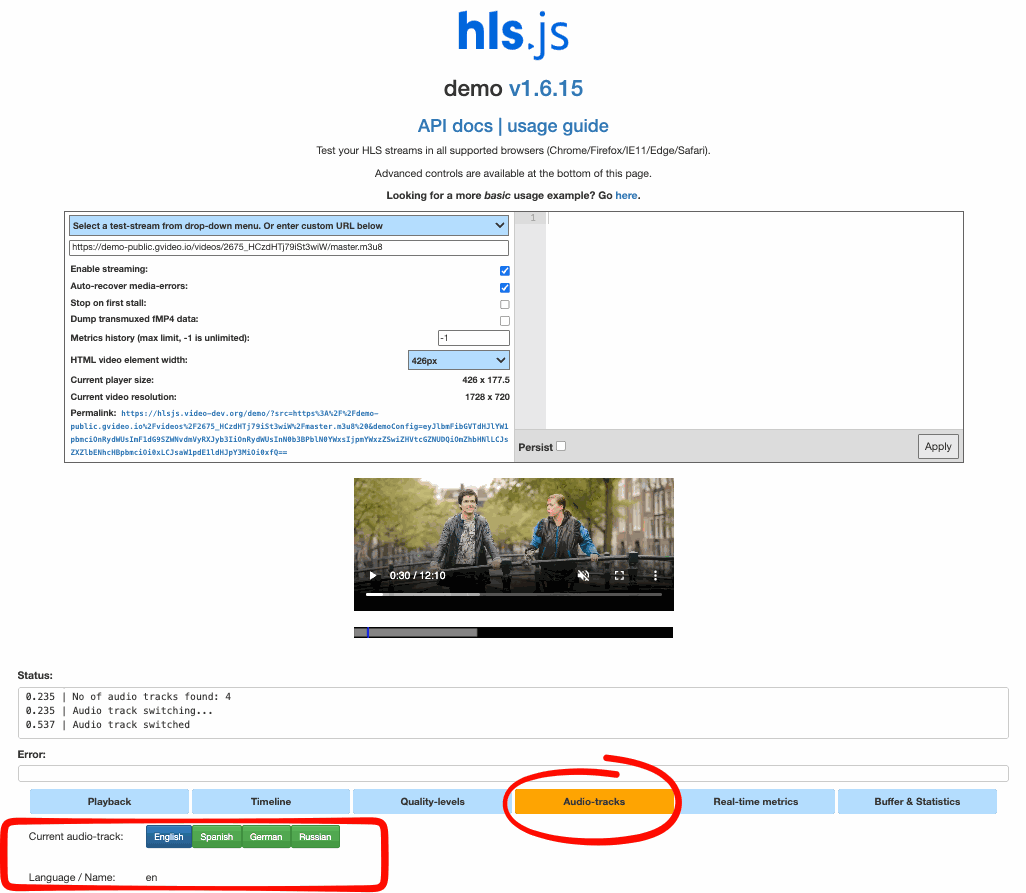
DASH manifest
In MPEG-DASH, each audio language is a separateAdaptationSet. Players can list and switch languages independently of video quality.
langis the ISO language code used for language matching.labelis the language name shown in the player.Representationsets the codec, bitrate, and sampling rate.