Virtual Servers are available in two plan categories — KVM-SSD and KVM-HIGHCPU-SSD — across multiple data centers. The categories differ in vCPU-to-RAM ratio, making each suitable for different workloads.
To browse available plans, log in to the Gcore Hosting Portal, navigate to Products/Services > Virtual private servers, then click Order in the toolbar.
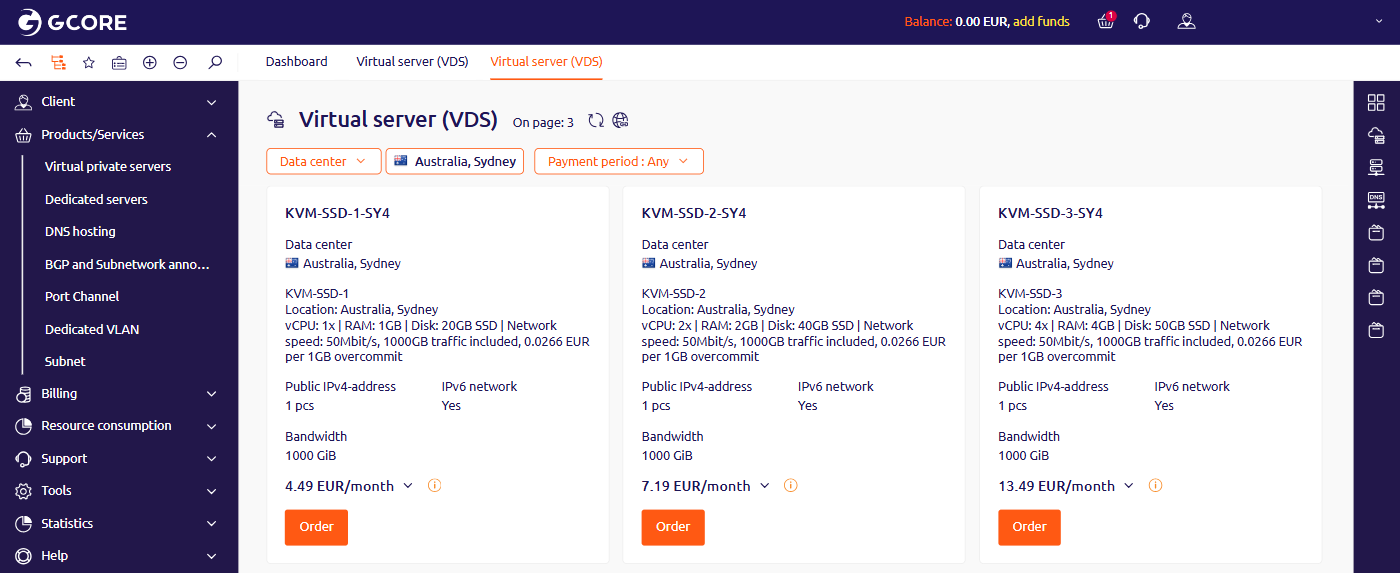
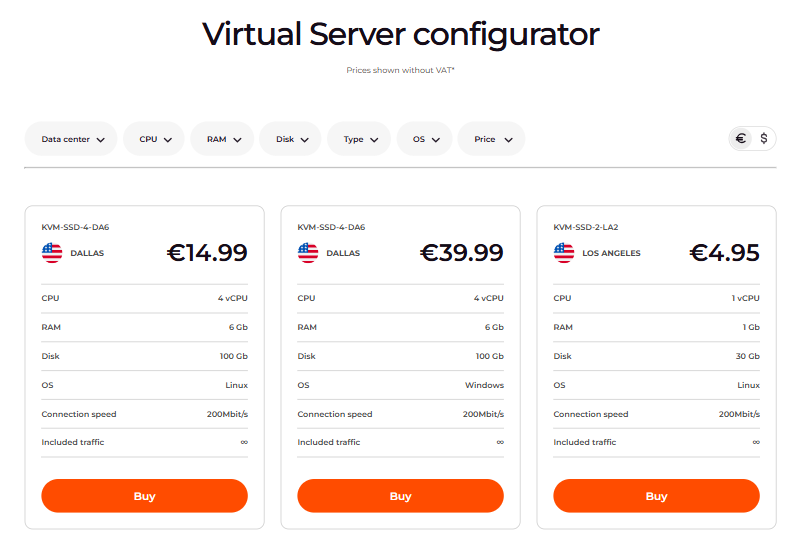
The plan catalog displays available plans for the selected data center. Use the Data center and Payment period filters to narrow the list. Each plan card shows hardware specs, included IPv4, IPv6 network access, bandwidth, and monthly price.The Gcore website configurator supports Data center, CPU, RAM, Disk, Type, OS, and Price filters to find plans that match specific requirements. The Type filter distinguishes between KVM-SSD and KVM-HIGHCPU-SSD categories.
A category name appears at the start of each plan name — KVM-SSD-1-ED and KVM-HIGHCPU-SSD-5-PL1 are typical examples.
KVM-SSD plans are balanced general-purpose configurations with SSD disks. These plans are suitable for a wide range of tasks — VPN, web servers (Apache, NGINX), game servers, and most standard workloads.KVM-HIGHCPU-SSD plans provide a higher vCPU-to-RAM ratio with SSD disks, suited for CPU-intensive tasks — video transcoding, scientific computing, and high-concurrency applications.Windows Server is available on select plans — KVM-SSD-4 and above, and all KVM-HIGHCPU-SSD plans. Linux is available on all plans.Each plan includes one public IPv4 address and IPv6 network access. Additional IPv4 addresses can be purchased separately — up to nine per server. The operating system can be replaced with one of the available OS templates or a custom ISO.
For general-purpose tasks — VPN, web hosting, or database servers — KVM-SSD plans are the right starting point. The balanced CPU and RAM allocation handles most standard workloads efficiently.For CPU-intensive tasks — parallel processing, rendering, or high-traffic APIs — KVM-HIGHCPU-SSD plans provide more vCPUs per unit of RAM, reducing processing time for compute-bound workloads.If a Virtual Server plan does not provide enough performance, the configuration can be upgraded by contacting technical support.