

Gcore Video Streaming deletes the uploaded original file after transcoding finishes. Keep a separate copy. The original file is not available for download.
Transcoded files
Transcoded MP4 files are available in the Gcore Customer Portal.1
Open video settings
- Navigate to Streaming.
- Select Video Hosting.
- Open All videos.
- Click the video name.
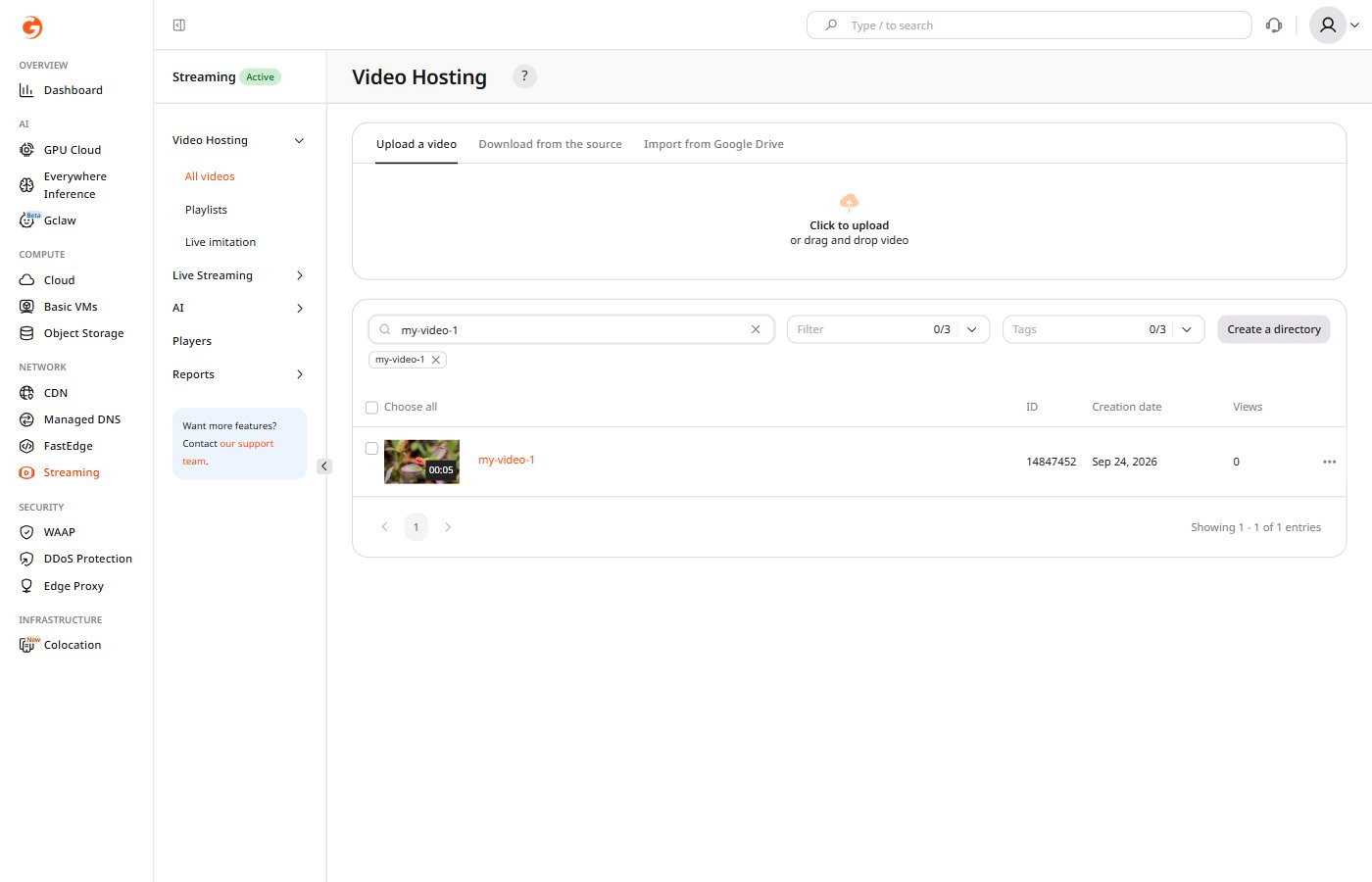
2
Select video quality
On Video settings, in Download video, select Video quality.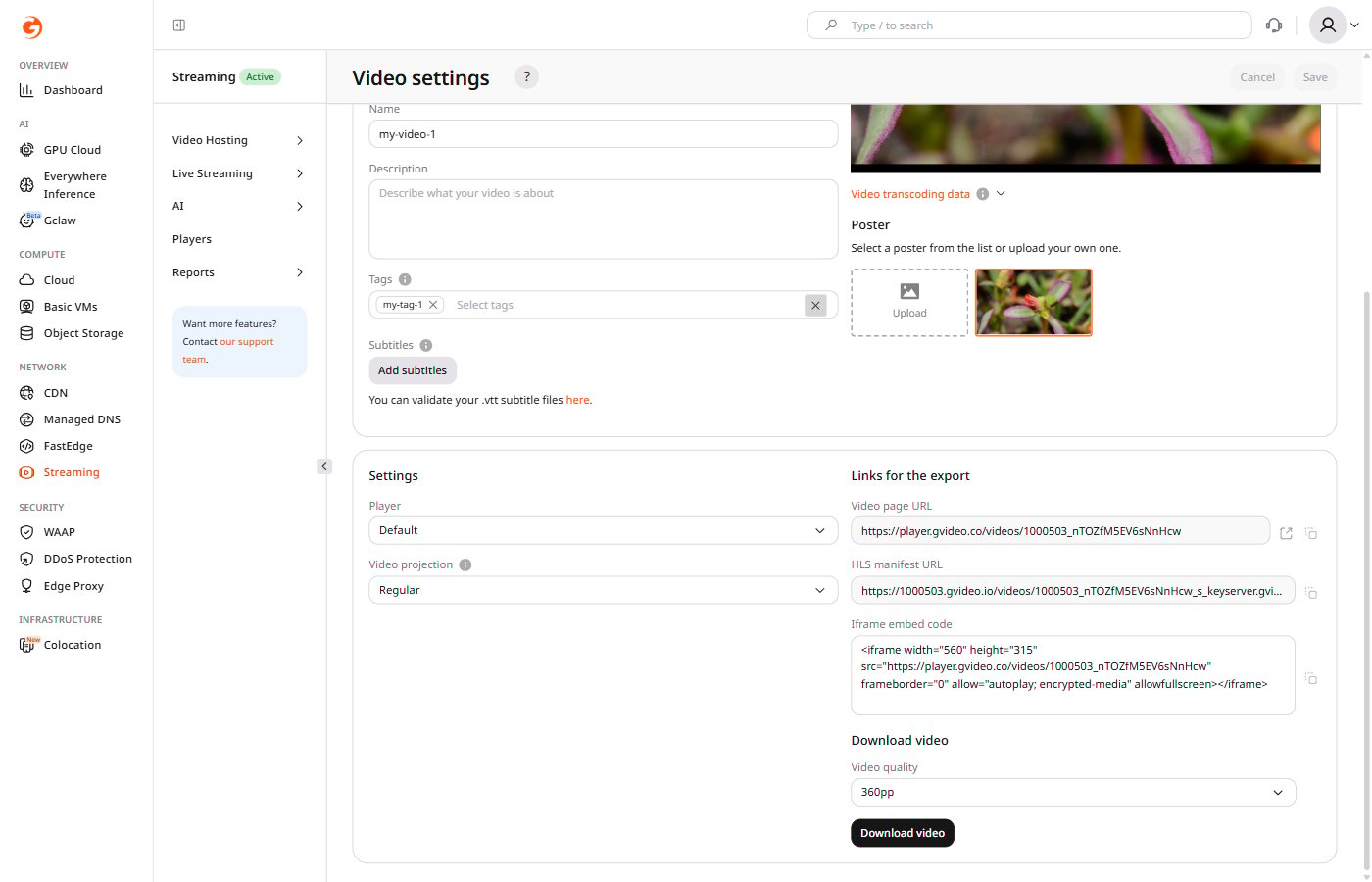
3
Download the MP4 file
Click Download video. The browser saves the transcoded MP4 file for the selected quality.