

- In the Client section of the sidebar, click User settings.
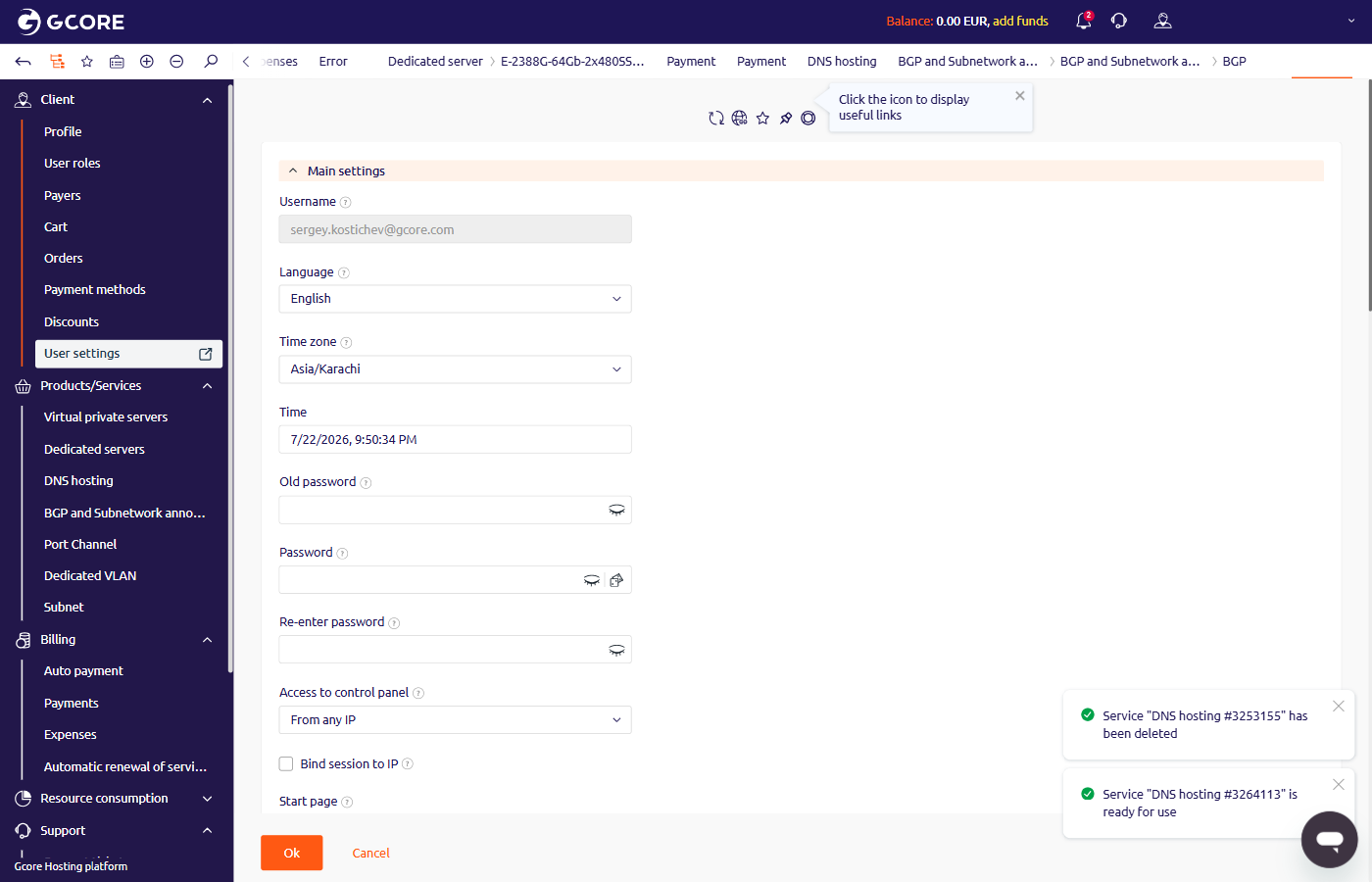
- Scroll to the Subscribe to notifications section at the bottom of the page.
- In the E-mail for notifications field, enter the email address where notifications will be sent.
-
Select the notification types:
- Enable Geoip notifications — alerts on logins from unfamiliar locations.
- Successful login notification — confirmation email on each successful login.
- Notifications from DNSSEC — alerts on DNSSEC configuration changes.
-
In the notification table, select the delivery channels (Email, Messengers, SMS) for each category:
- Financial notifications — invoices, payments, and billing alerts.
- Newsletters — product updates and announcements.
- Service notifications — service status changes, renewals, and end-of-term reminders.
- Support center notifications — replies to support tickets.
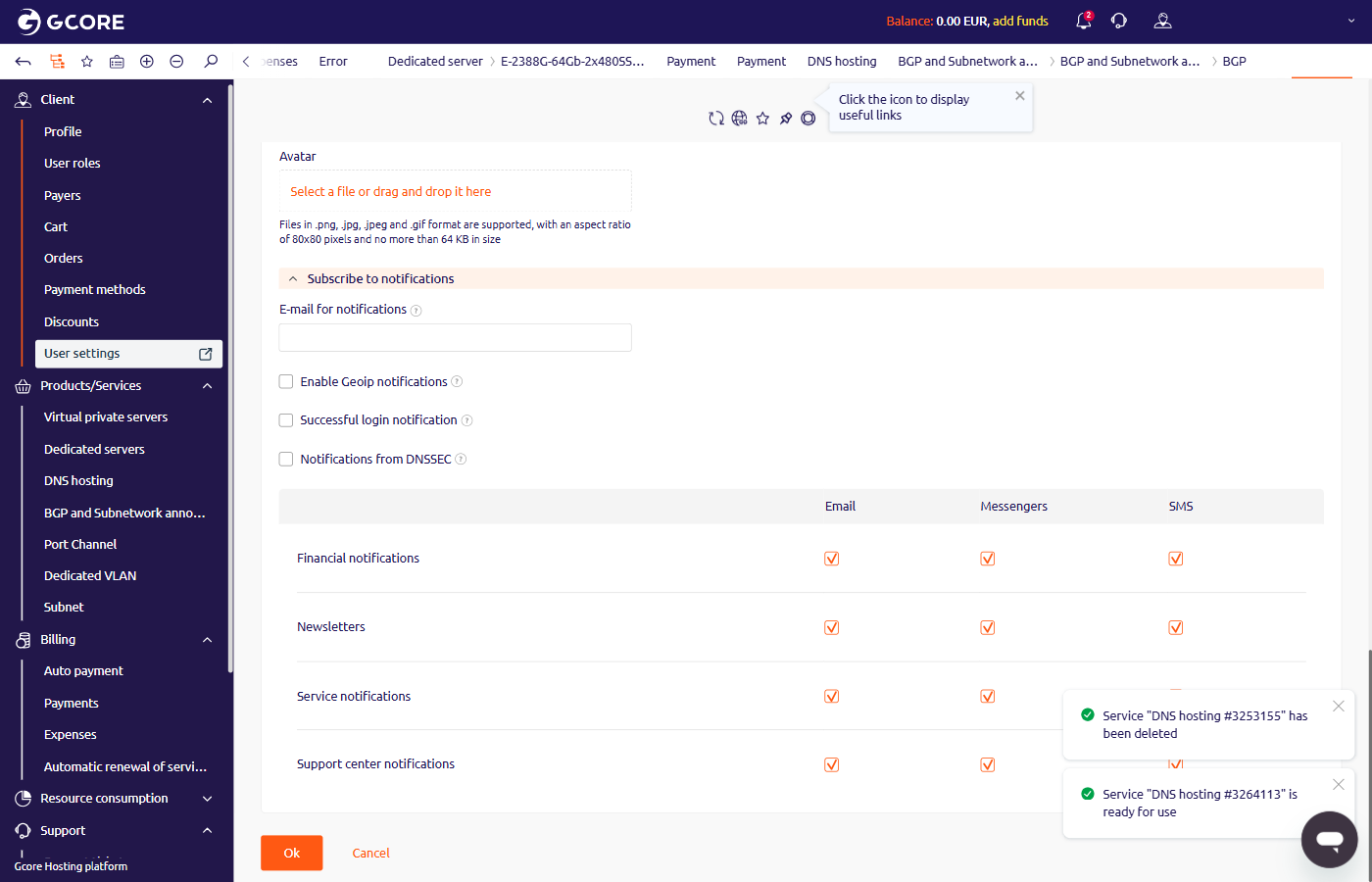
- Click Ok to save.