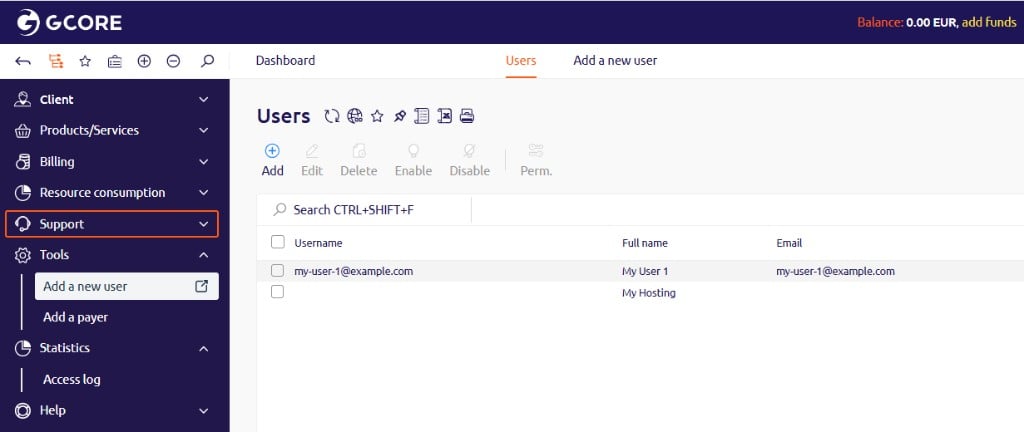
- In the Gcore Hosting Portal, navigate to Tools > Add new user.
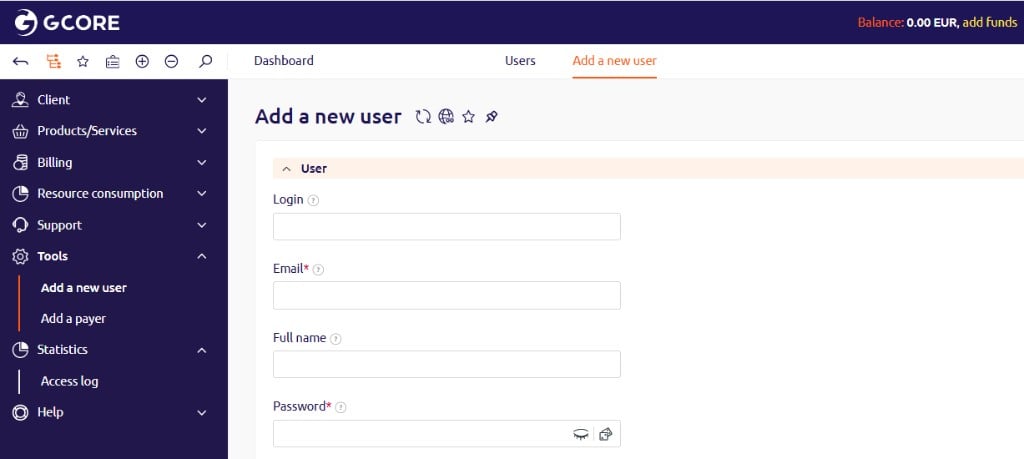
- Fill in the required fields:
- Email — the login email address for the new user.
- Password and Confirmation — the initial password. The user can change it after logging in.
- (Optional) Fill in additional fields as needed:
- Login — an alternative username.
- Full name — the user’s display name.
- Phone number — a contact number.
- Full access — grants the user full account permissions.
- User roles — assigns a specific role to the user.
- Avatar — uploads a profile photo.
- Click Save.