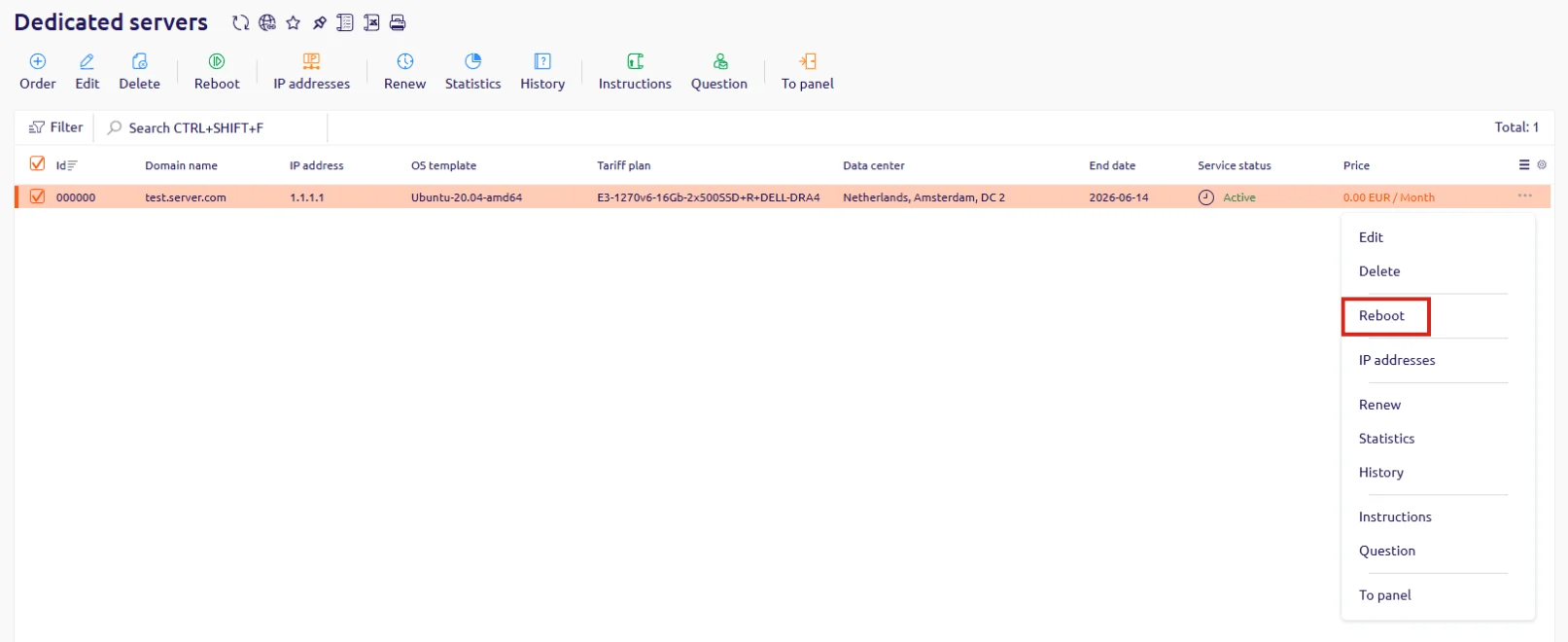
Hosting Portal
Use the context menu in the server list to trigger a reboot.- In the Hosting Portal, navigate to Dedicated servers.
- Locate the server in the list, click … at the end of its row, and select Reboot.
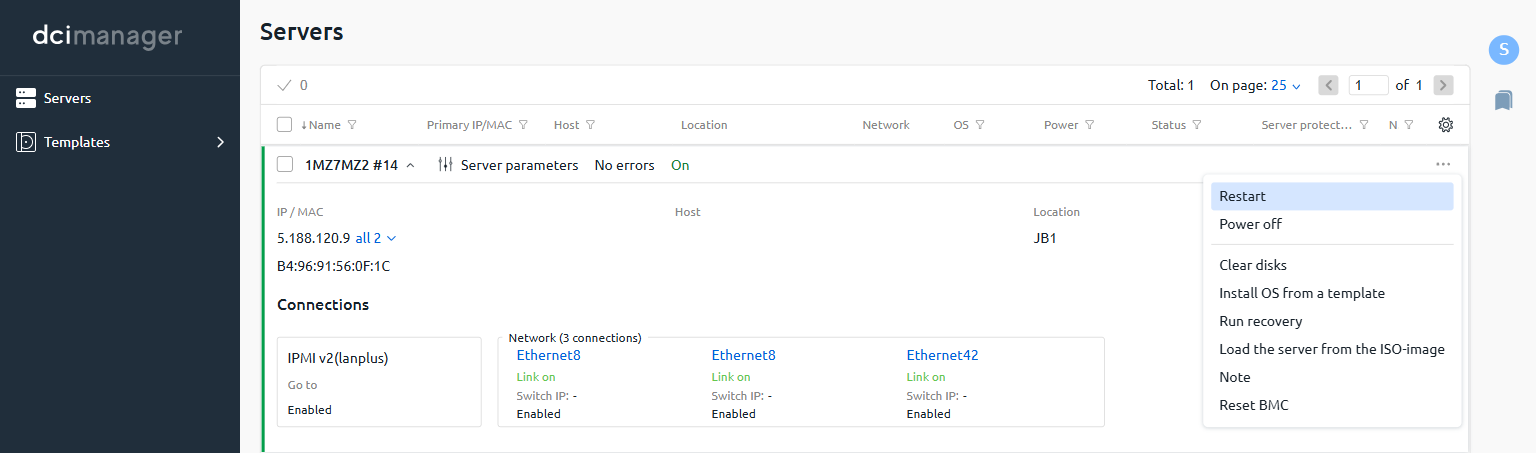
DCImanager
Use the context menu in the server list to trigger a restart.- In DCImanager, navigate to Servers.
- Locate the server in the list, click … at the end of its row, and select Restart.