

- Password reuse: after a password expires, a user must create three unique passwords before reusing an old one; Gcore stores the last three passwords to enforce this rule.
- Password expiration: the frequency of expiration is configurable, or the requirement can be disabled entirely to let passwords remain valid indefinitely.
Enable password policy
The password policy can’t be saved unless the Username/Password login option is enabled first.1
Enable username and password login
(Optional) Skip this step if username and password login is already enabled.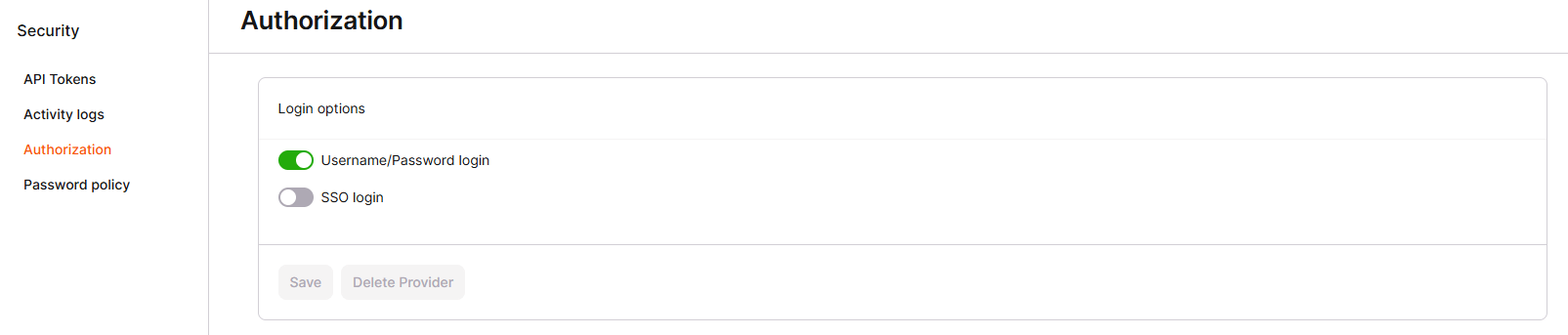
- Navigate to the Security settings.
- Click Authorization.
- Enable the Username/Password login toggle.
- Click Save to apply the changes.
2
Activate password policy
- Navigate to the Security settings.
- Click Password policy.
- Enable the Frequency of the password changing toggle.
- Specify the number of days after which the password expires, between 30 and 180 days.
- Click Save to apply the changes.

