The account’s Products tab overrides the global visibility settings for one customer, controlling which products appear in that customer’s Customer Portal regardless of the reseller-wide default.
Account's Products tab with CDN, Streaming, Cloud, and Object Storage toggles enabled

Enable or disable a product

Toggling a product on makes that product’s tab appear in the account’s Customer Portal, but doesn’t activate it; activating a product is a separate step covered in CDN service management. Toggling a product off only succeeds if the account’s status for that product isn’t Trial or Active, because a product can’t be disabled while a customer is actively using it; the account’s status must first move to Trialend or Paused before the toggle can turn the product off.
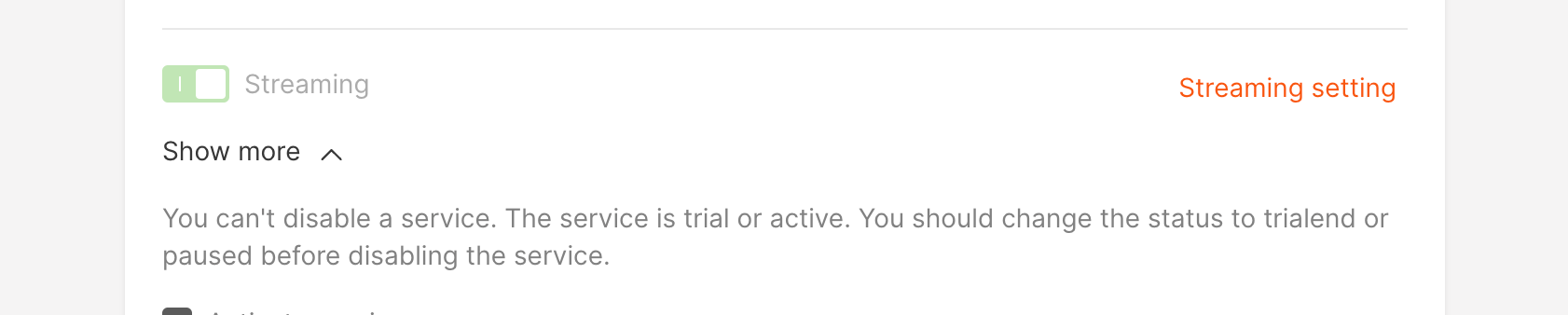
Error message when disabling a product that is in trial or active status
Disabling a product for an account deactivates all of that account’s settings for the product and removes it from the customer’s Customer Portal.

Interaction with global visibility settings

Once a product’s visibility is set for a specific account, later changes to the global visibility settings no longer affect that account; the personal setting takes priority and stays in effect until it’s changed again.